Mobile app 2.0.6: Security and usability improvements
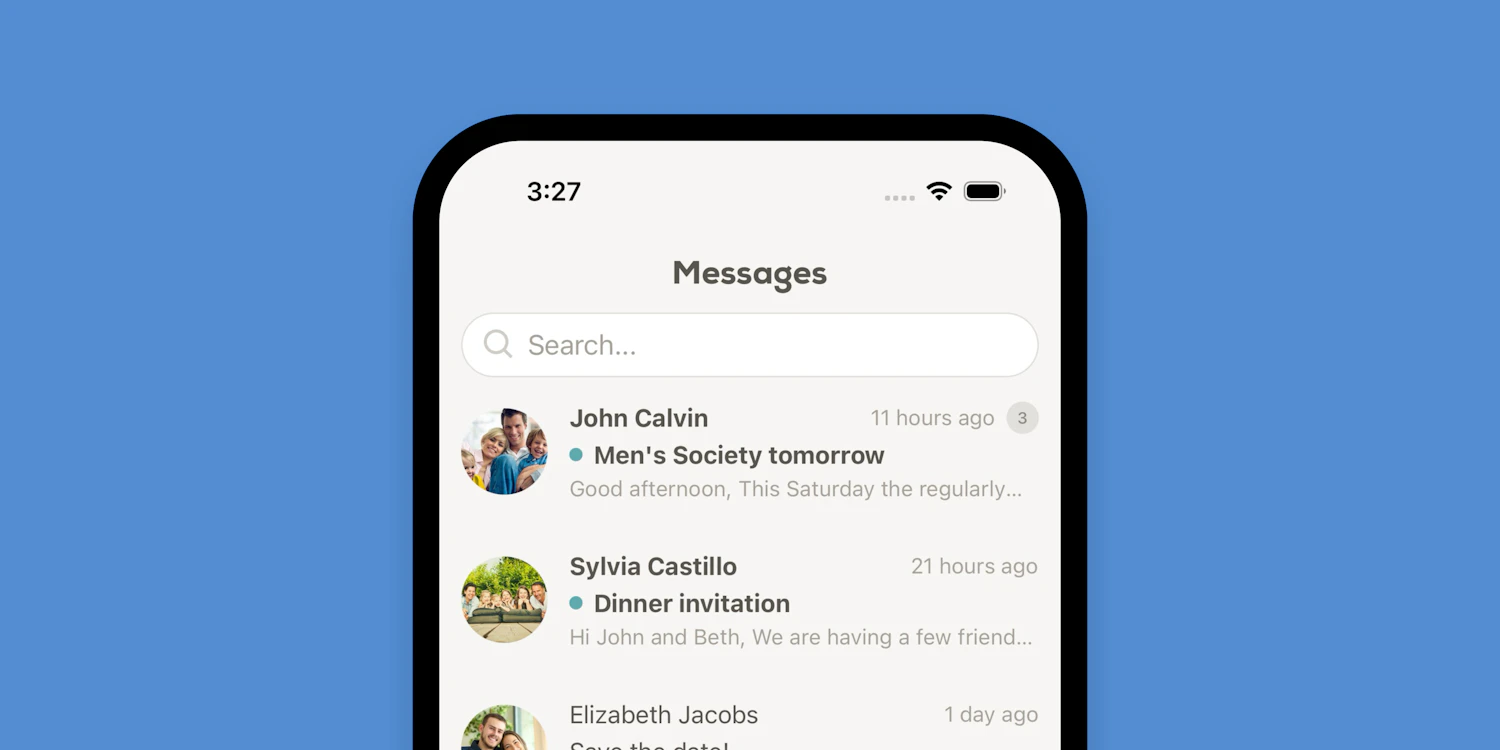
We’ve released version 2.0.6 of the Church Social app for iOS and Android, with several security, usability, and performance improvements.
The app should now open faster, thanks to some behind-the-scenes performance optimizations. We’ve also added an extra layer of protection when opening the full web app or viewing security settings, requiring members to verify access using their device’s built-in authentication, such as Face ID, Touch ID, or PIN entry.
This update also improves how trusted devices are shown for iOS users on the account security page. Instead of simply showing generic names like “iPhone” or “iPad,” Church Social now displays the actual device name, such as “Jonathan’s iPhone,” making it easier for members to identify their devices if they have more than one.
We’ve also made a few smaller improvements throughout the app, including adding reply counts to the messages screen, allowing the calendar to scroll all the way to the last available date, and fixing the selected date styling in the Android calendar.
We recommend updating to the latest version of the app to get these improvements. You can download or update the app from the App Store or Google Play.