Manage two-factor authentication for individual members
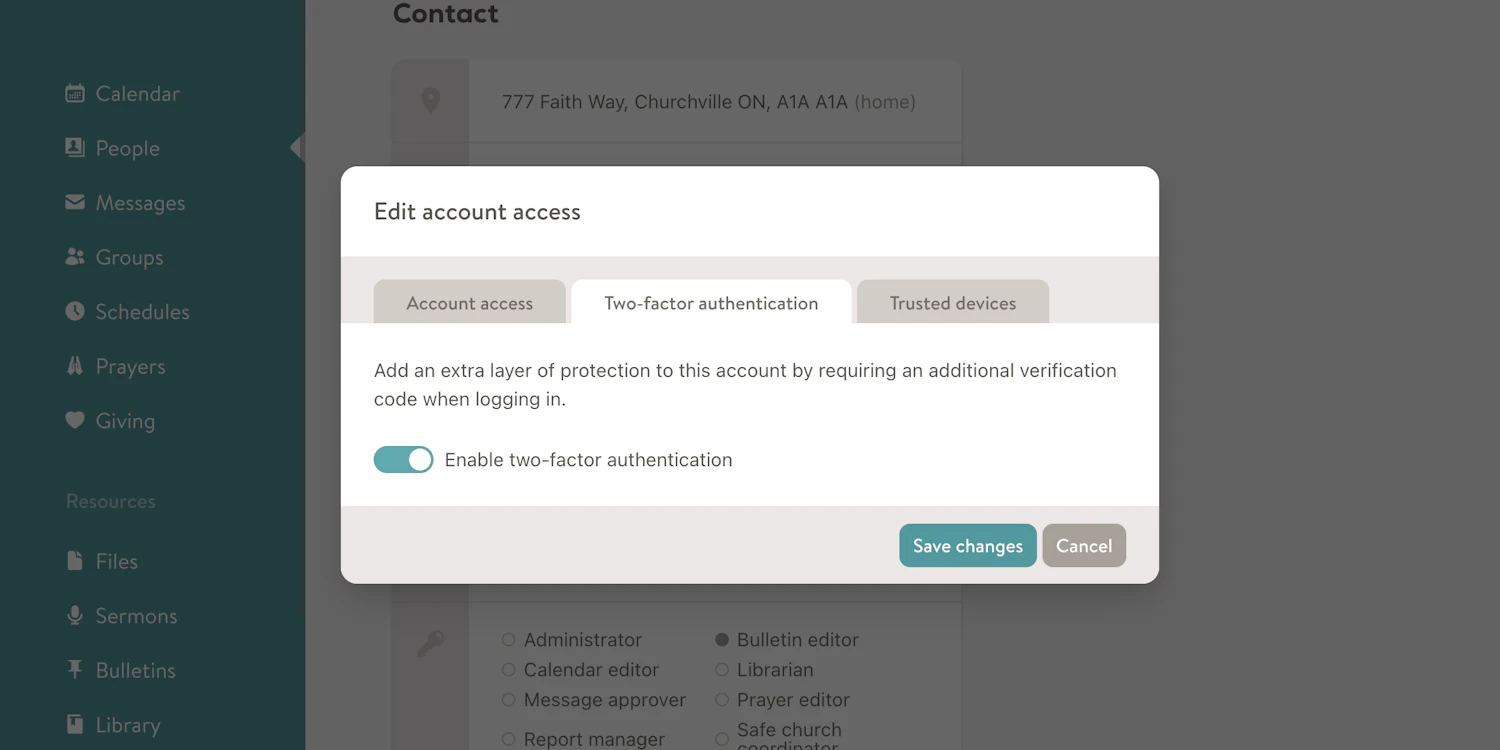
Administrators and statisticians can now turn two-factor authentication on or off for any member of their congregation. Open the Edit account access dialog from a member's profile and you'll find a new Two-factor authentication tab where you can flip the setting. If 2FA is already required for that person by your church's security settings, the toggle will be locked.